
Create complex quotes with bundled products, real-time pricing, and full customization. No screen switches, no frustration.
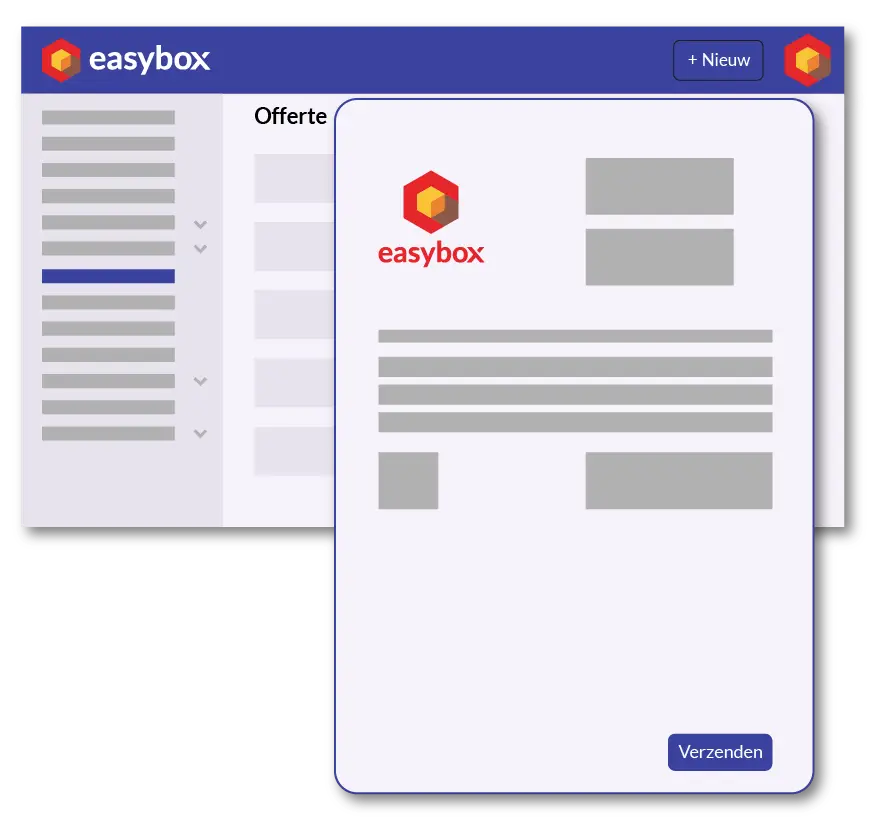
A quote for roofing work, plumbing, or a complete renovation rarely consists of just one line. These are work items that include materials, labor hours, subcontractors, margins, and VAT rates—all of which must be accurate—and that need to be quickly adjusted if the customer makes any changes. Easybox was built for exactly that scenario: quotes for the Belgian construction industry where every line counts.
With Easybox, you can create a quote with product bundles, detailed descriptions, and grouped work items—such as “Roof Work” with OSB sheets, roof tiles, EPDM, and labor hours listed below it. You drag lines wherever you want, add new products to your product list as you go, and apply discounts or sales tax at the group level—all on the same screen. No pop-ups, no interruptions.
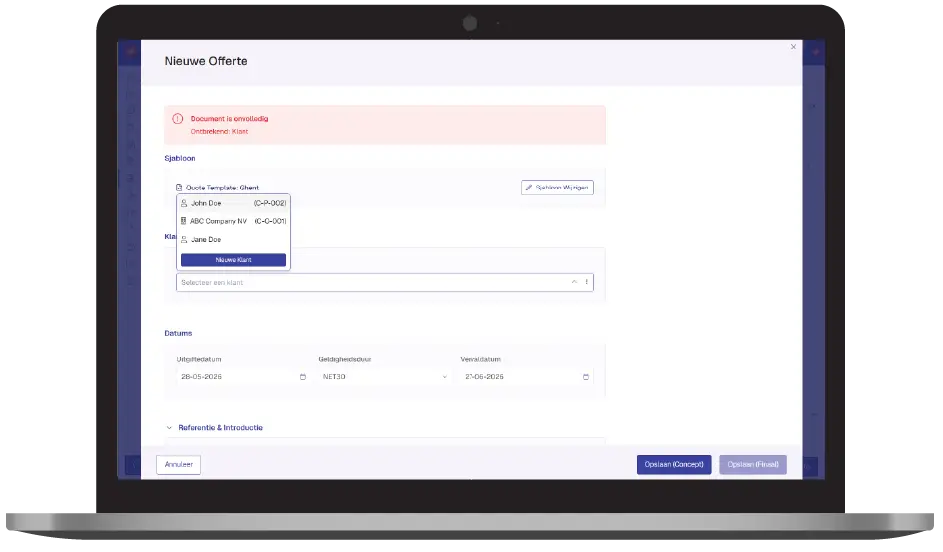
The biggest difference from other invoicing programs? Easybox doesn’t interrupt your work. Are you creating a quote and realize the customer isn’t in your system yet? Add them directly from the quote screen. Do you have a new product or service? Same story—add it while you’re drafting, and it’s immediately ready for reuse in future quotes. That saves hours each week, especially for smaller construction companies where the business owner prepares the quotes themselves.
Then request a free demo today!
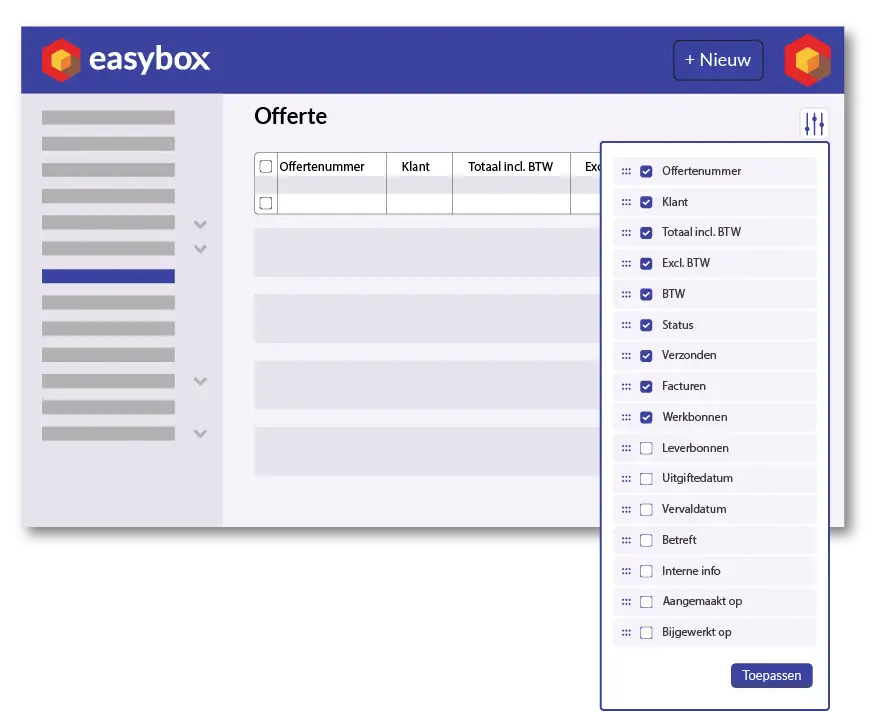
In the quote overview, you can customize which columns you want to see: status, due date, invoiced amount, linked work orders, delivery notes, internal notes—whatever’s important to you. Filter by draft or final, by customer, or by project. This way, you can see at a glance which quotes you need to follow up on today and which ones have already been approved for execution.
Did you approve a quote? With just one click, you can convert it into an invoice, an advance invoice, or a work order. No double data entry, no risk of errors. The information you’ve already entered is reused—even by your accountant.
Here we answer some frequently asked questions about our invoicing software. If you can't find your question and/or answer right away, please don't hesitate to contact.
You’ll save the most time by working with product bundles and templates. In Easybox, you can set up standard work items (e.g., “Roof Tiles” with materials, labor hours, and margin), after which you can create a complete quote by combining a few bundles instead of manually adding each line item. Construction contractors who switch to Easybox report that an average quote is completed 60 to 80 percent faster than in Excel or general invoicing software.
Yes, in Easybox, you can add products and customers on the fly right from the quote screen itself. You don’t have to leave the screen, open a separate module, or retype anything. The added product or contact is immediately available for future quotes and invoices—a feature that’s missing from many invoicing programs.
Easybox is specifically designed for complex quotes with multiple work items. You can group line items under a work item (e.g., Roofing, Plumbing), apply VAT or discounts to each group, and expand or collapse groups depending on the level of detail you want to show yourself or the customer. This makes it the ideal solution for general contractors, roofers, HVAC installers, and full-service renovation companies.
With just one click. In Easybox, you can convert an approved quote into a full invoice, a progress invoice (based on a percentage or selected line items), or a work order for the job site. All data—customer, line items, amounts, and VAT—is automatically carried over, so you never have to type anything twice and the risk of errors is eliminated.
That’s up to you. In Easybox, you can choose between three display modes: full detail (all line items and unit prices), partial (only selected information), or minimal (only the total amount). For each quote, you can switch between templates with a single click, so you can show a different level of detail to a regular customer with competitive pricing agreements than to a new residential customer.