
Do you run an electrical wholesale business? If so, you can link it directly to your invoicing system thanks to the integration with Rexel.
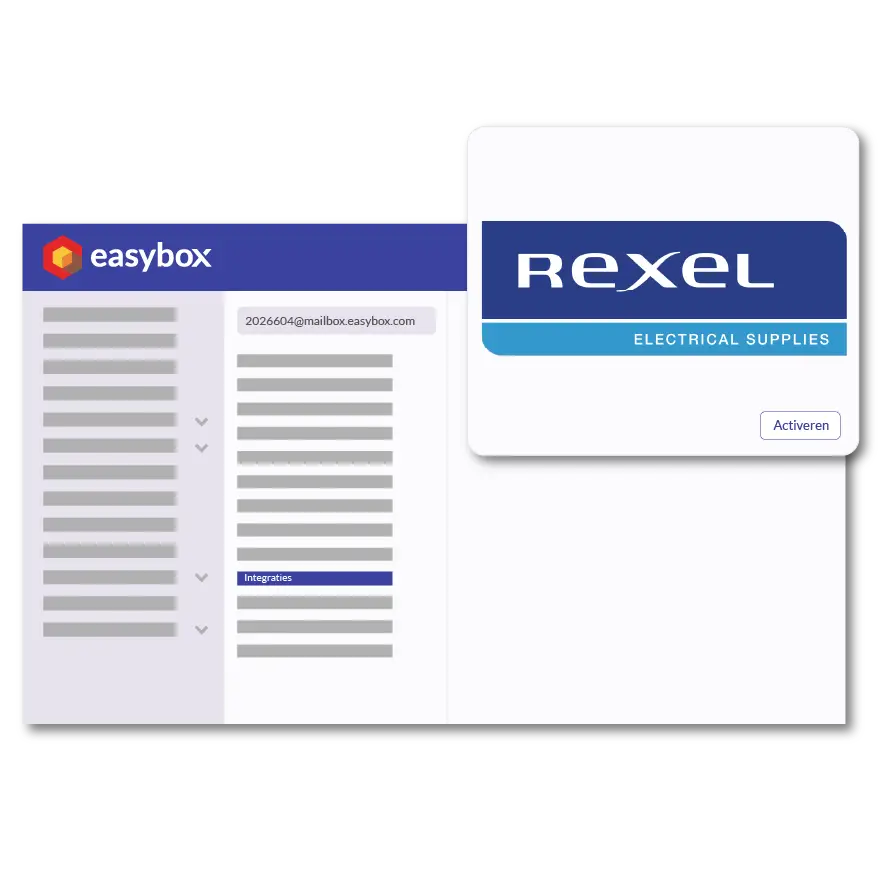
With the Rexel integration in Easybox, you can link your electrical wholesale supplier directly to your invoicing system. Whether you’re estimating a lighting project, installing a charging station, or assembling an industrial control panel, you can find Rexel items using the search function in Easybox and add them to your quote with a single click—including the description, item code, and your net customer price. This saves you from having to manually retype information every workday, prevents pricing errors, and ensures your invoices are sent out faster—which directly benefits your cash flow.
Please don't hesitate to contact us!
Here we answer some frequently asked questions about our invoicing software. If you can't find your question and/or answer right away, please don't hesitate to contact.
You can activate the Rexel integration through the integration settings in Easybox by entering your customer information. From then on, Rexel items will be directly searchable within your quotes and invoices.
The main advantages are: time savings thanks to the direct import of items, guaranteed accurate pricing based on your own customer terms, and a reduced risk of errors in long material lists.
Yes, you can retrieve articles, product information, and prices to use in your quotes and invoices. This way, you can create each quote using the same data you use when placing orders with Rexel.
Yes, the link shows you net prices based on your Rexel customer account. These aren't catalog prices—they're the exact prices that apply to your company.