
Replace paper work orders with a mobile app. The customer signs digitally, photos are added to the file immediately, and the invoice is generated with a single click.
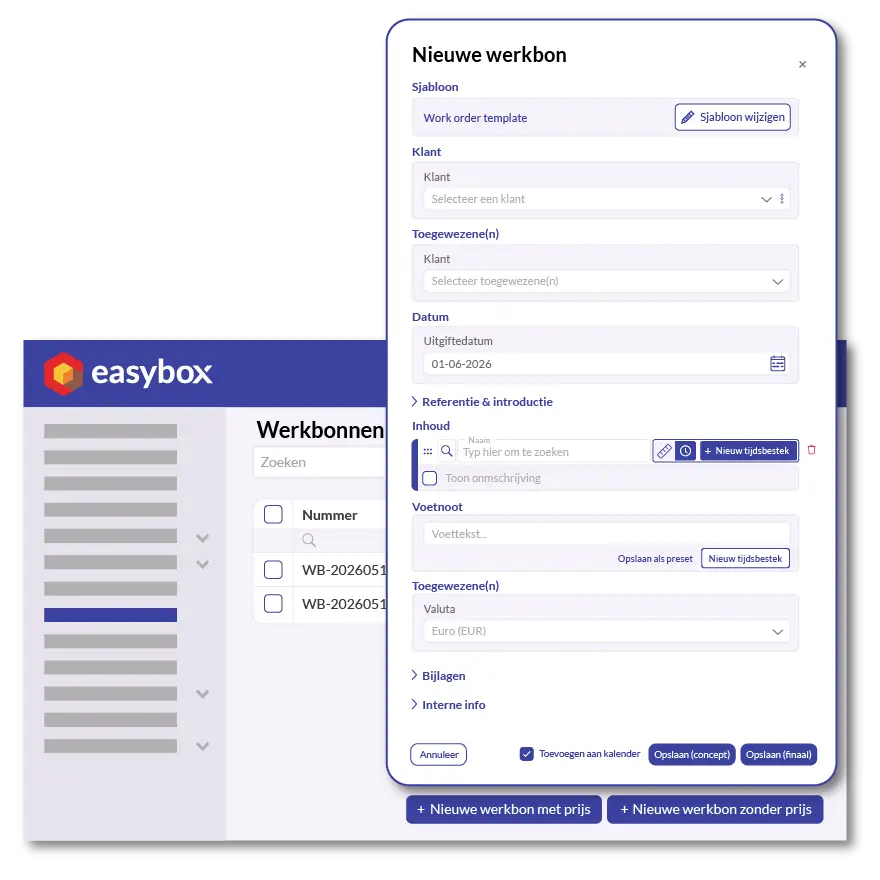
Paper work orders get lost, get wet, or are filled out in a way that makes them illegible. And even if they make it to the office, someone has to retype them for the invoice. In Easybox, employees fill out the work order directly on their smartphone—on the go, at the job site, or right before their coffee break. The interface is intentionally simple: adjust quantities, add materials, log time, and you’re done.
For each work order, you can add photos (of the installation, a leaky pipe, an unexpected situation) and internal notes that do not appear on the invoice. This allows you to build a complete file for each job site that can be accessed immediately later on—in the event of a repair, warranty claim, or dispute.
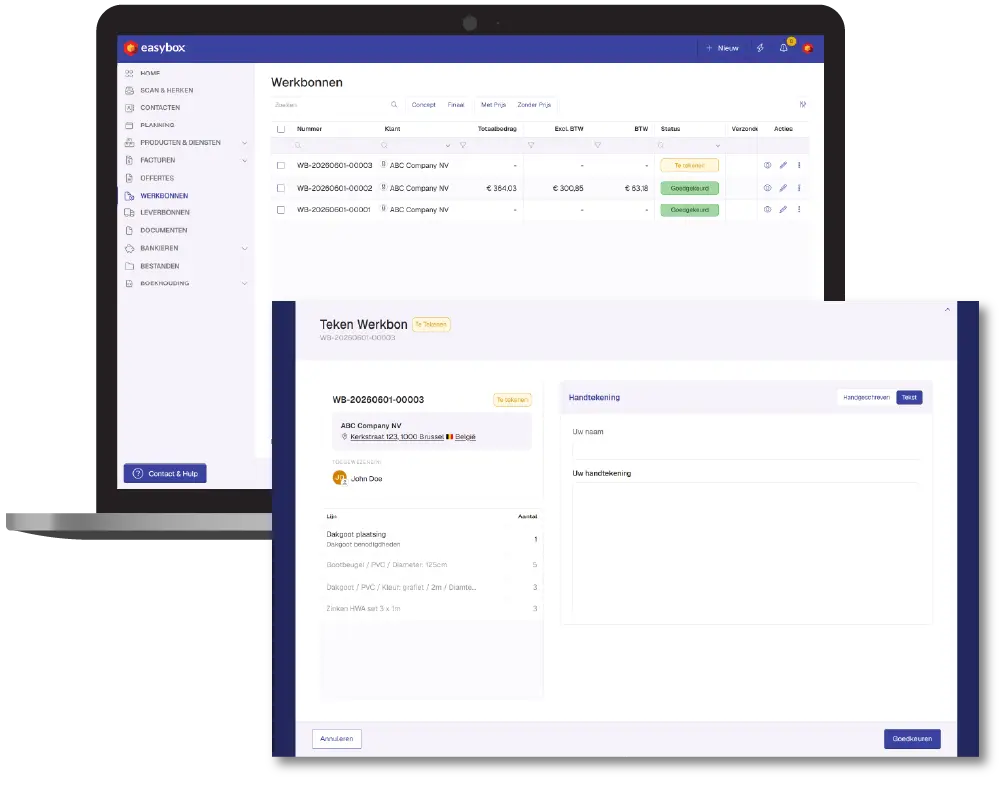
At the end of the service call, the customer signs on the screen of the smartphone or tablet. The signature is recorded on the work order, along with the date and time, and is immediately available as proof of completion. No need to bring paper documents back, no scanning, no filing. The customer automatically receives a copy via email.
For you, this means: no arguments afterward about what was delivered. For the customer: transparency and professionalism right from the very first service call.
Then request a free demo today!
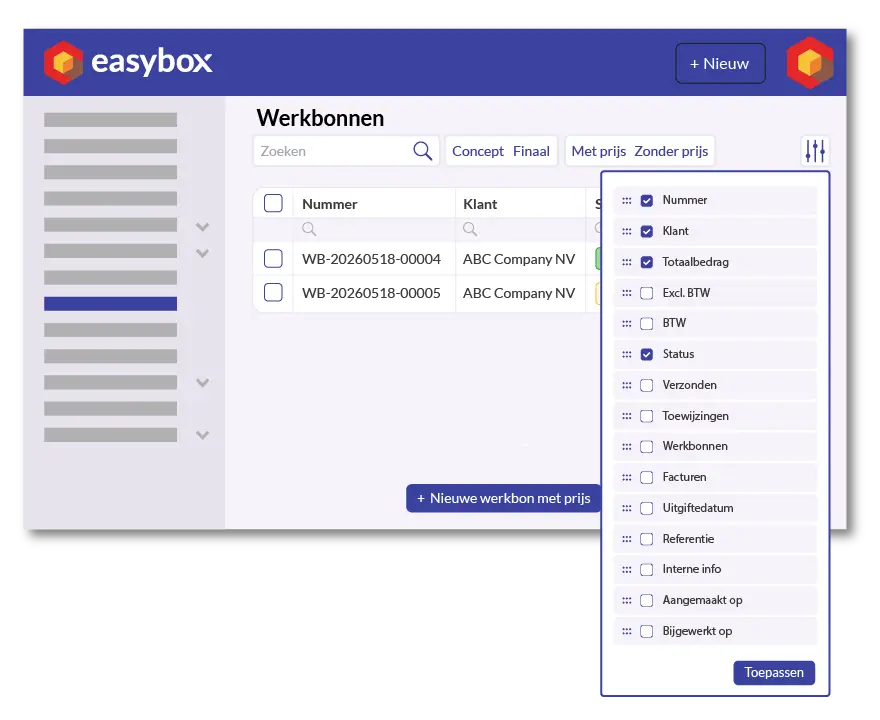
Approved work orders automatically appear in your work order overview. You can filter by customer, project, or status (draft, final, signed), select the items to be included on a single invoice, and click “Create Invoice.” Materials, hours, prices, and signatures are automatically carried over. The invoice is ready to be sent in seconds.
Here we answer some frequently asked questions about our invoicing software. If you can't find your question and/or answer right away, please don't hesitate to contact.
Yes. In Easybox, employees log their work hours directly on the work order via the app. Once the work order has been approved by the customer (digitally signed), you can convert it into an invoice with a single click—including all hours, materials, and any additional costs. No retyping, no missed entries.
At the end of the service call, the employee hands the smartphone or tablet to the customer, who signs the screen with a finger or stylus. The signature is immediately saved on the work order with a date and time stamp, and the customer automatically receives a copy via email. This is legally valid and eliminates the entire paper-based process.
Yes. From the Easybox app, you can take photos directly or select them from your gallery. They are immediately linked to the correct work order and remain available in the central job file. This is essential for installation companies, roofers, and HVAC installers who want to visually document issues or project completions.
The Easybox app is designed for the realities of the construction site, where cellular service isn’t always available. Changes are saved locally and automatically synced as soon as a connection is restored. This means employees can easily fill out work orders in basements, on rooftops, or in outdoor areas without cellular coverage.
Yes. In the work order overview, select all the work orders that belong to the same project—even if they span several weeks—and click “Create Invoice.” Easybox combines them into a single, clear invoice that includes all hours, materials, and signatures.