
Want both you and your accountant to save time? You can, thanks to an integration between Codabox and Easybox.
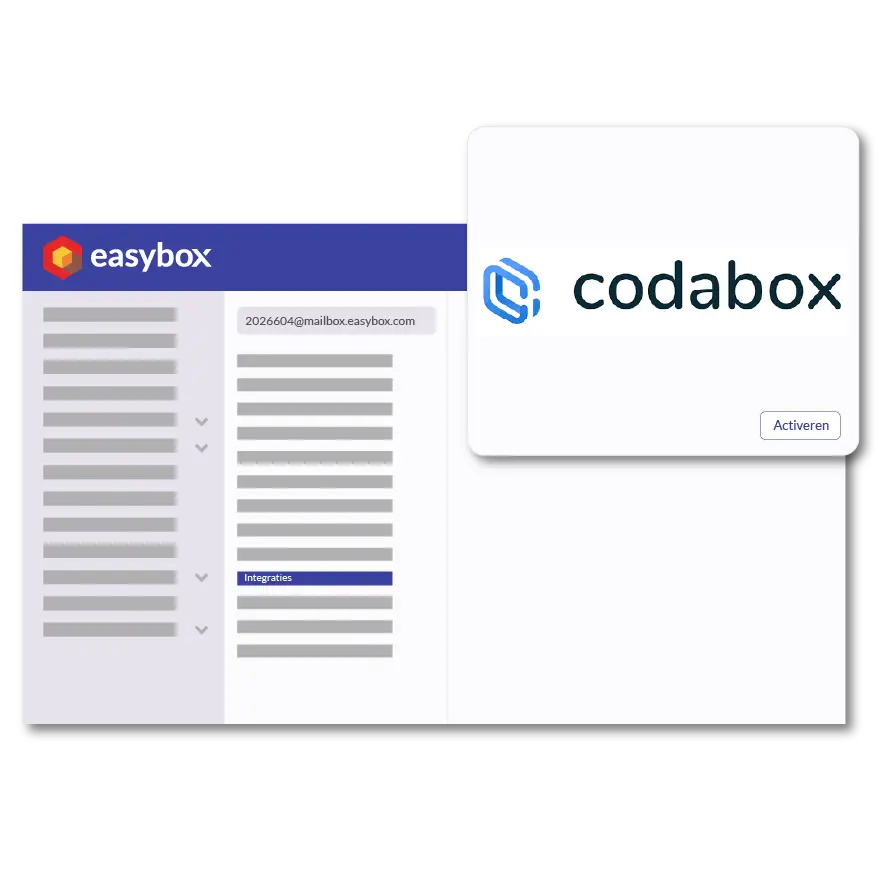
The Codabox integration in Easybox ensures that your CODA files (structured bank statements) and SODA files (payroll journals) are automatically imported, without you or your accountant having to manually download and process them. For construction contractors, this means that incoming payments are directly linked to the correct invoices in Easybox, and that your accountant always has access to the most up-to-date financial data. The result: less administrative work, faster reconciliation of outstanding invoices, and smoother collaboration with your accountant.
Please don't hesitate to contact us!
Here we answer some frequently asked questions about our invoicing software. If you can't find your question and/or answer right away, please don't hesitate to contact.
To activate the Codabox integration in Easybox, connect your Codabox account through the integration settings. After that, CODA and SODA files will be automatically retrieved and processed in your accounting system.
A construction contractor saves time because bank transactions are automatically imported and linked to invoices, gains a real-time view of outstanding payments, and collaborates more smoothly with the accountant.
CODA files contain structured bank statements organized by day or period, while SODA files contain the payroll documents from the social secretariat. Codabox automatically delivers both via Easybox.
Yes, you need an active Codabox subscription to receive CODA and SODA files. Easybox uses that data to automatically keep your records up to date.
Yes, Easybox compares the incoming payments from the CODA file with your outstanding invoices and automatically marks them as paid when there is a match.