Invoice Reconciliation: Efficiently Track Outgoing and Incoming Payments or Bank Transactions
Any issues?
Tracking invoices and payments is an important but often challenging task. A clear overview of the payment status of all invoices is essential here. Essentially, you want a simple answer to the following questions:
Which sales invoices are still outstanding?
Which purchase invoices still need to be paid?
To answer these questions correctly, you must therefore align your billing “reconcile” or reconcile it (in accounting terms)
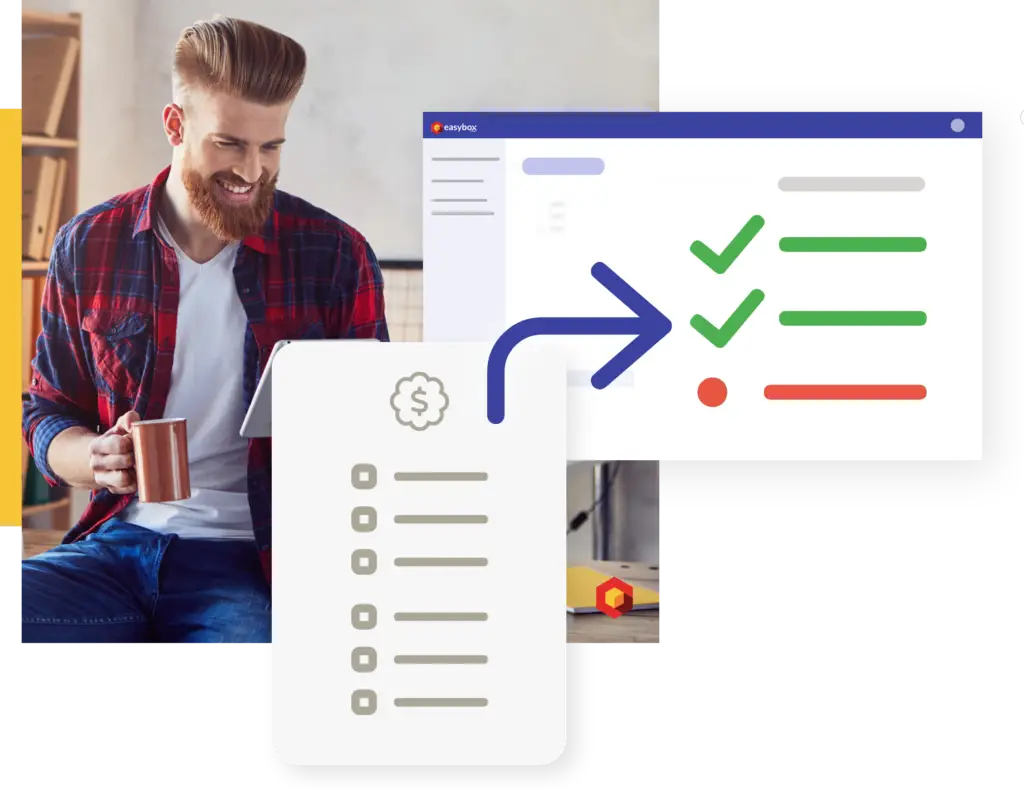
Reconciliation means linking the amount, date, and method of a payment to a specific invoice. This can be done for both sales and purchase invoices. By reconciling invoices, you can track which invoices have already been paid and which have not.
In this context, Easybox offers a number of useful features.
Fully Automatic Trimming in Easybox
Do you have a linked bank account? Easybox automatically tracks all your bank transactions!
For all payments and transactions made with a structured message, thereconciliation isfully automated. This saves you hours of work and ensures you always have an accurate overview.
Payment status and due date are immediately visible
In the invoice lists, you can immediately see which invoices have been paid and which have not. Remaining payment terms are also clearly displayed.
We distinguish between the following payment statuses:
Unpaid
Credited
Partially paid
Paid
Overpaid
Manual calibration
Easybox also lets you manually reconcile payments in the following ways:
Cash
Bank Transfer
Credit Card
Debit Card
Check
Other
If you choose to pay by bank transfer, the system will automatically search for the bank transactions associated with the linked bank accounts. In the transaction overview, you can then easily select the bank transaction corresponding to the invoice you want to mark as paid.